
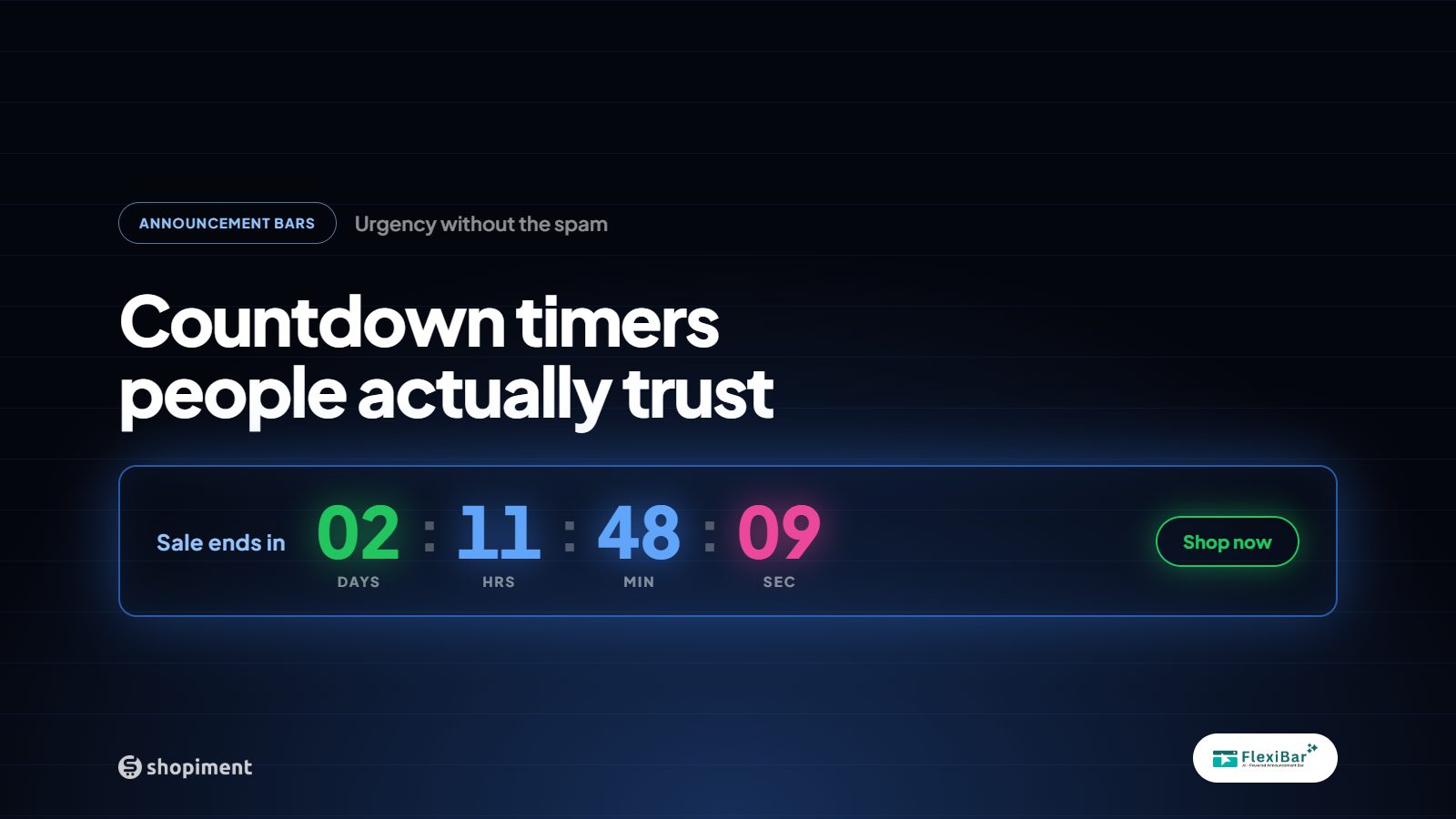
Urgency Is One of the Most Powerful Conversion Levers. It's Also Easily Abused.
'Only 3 left!' when there are 300 in stock. A countdown timer that resets every time you reload the page. A '24-hour sale' that's been running for two weeks. Shopify merchants have seen every variant of fake urgency - and so have their customers. It destroys trust faster than almost any other tactic.
Real urgency - genuine scarcity and real deadlines - converts at dramatically higher rates than fake urgency because it's believable. Here's how to use countdown timers in a way that lifts conversion without burning your brand.
The Three Types of Countdown Timers That Work
1. Flash Sale Countdowns
A genuine 48 or 72-hour sale with a visible timer is one of the most effective conversion tools available. The key word is genuine - the sale ends when the timer ends. Customers learn quickly whether your timers are real. A store where timers consistently lead to the promotion actually ending builds a Pavlovian response: 'I should act now because it actually does end.'
2. Free Shipping Threshold Countdowns
'Free shipping ends at midnight' combined with a cart progress bar showing how close the customer is to qualifying is a particularly effective combination. It creates urgency around the order window while also giving the customer a reason to add one more item. Average order value lifts of 10–22% are common with this pairing.
3. Product Launch / Back-in-Stock Timers
Counting down to a product drop or a restock creates anticipation rather than anxiety - a more positive form of urgency. 'New collection drops in 6 hours' in an announcement bar drives return visits and email captures from visitors who don't want to miss it.
The Design Rules That Prevent 'Spammy'
The visual presentation of your countdown bar is as important as the offer itself. Follow these rules:
- Match your brand colors - a jarring red timer on a minimal brand looks off-brand and cheap
- Keep copy under 12 words - 'Summer sale: 30% off. Ends Friday at midnight.' is enough
- One countdown at a time - multiple timers on the same page compete for attention and dilute all of them
- No fake resets - if a timer resets when the customer refreshes, they notice
- Position matters - a sticky top bar timer is visible on every page; a timer only on the product page gets far less exposure
Copy That Converts Without Pressure
The language of your countdown matters as much as the design. 'LAST CHANCE!!! DON'T MISS OUT!!!' reads as desperate. 'This price drops back to full on Friday at midnight' is informative, specific, and lets the customer make the decision themselves.
Respect the customer's intelligence. Tell them what the deal is, when it ends, and what they'll miss if they don't act. That's all urgency copy needs to do.
Implementation on Shopify
The easiest way to run countdown timer bars on Shopify is through a dedicated announcement bar app. Flexibar includes countdown timer bars with precise end-time scheduling - you set the exact minute the timer expires, and the bar automatically disappears (or switches to 'Sale has ended' copy) when it does. Genuine urgency, zero manual work.
Run your next countdown bar with Flexibar - free
Precise scheduling, automatic expiry, zero manual cleanup.
Install FlexibarReady to run bars that actually sell?
Flexibar is free to install. AI copy in 60+ languages, countdown timers, and a free Selling Bar that lets shoppers build a bundle and add it to cart - no credit card required.
Install Flexibar Free →⭐ Free on the Shopify App Store · Instant setup · No credit card