
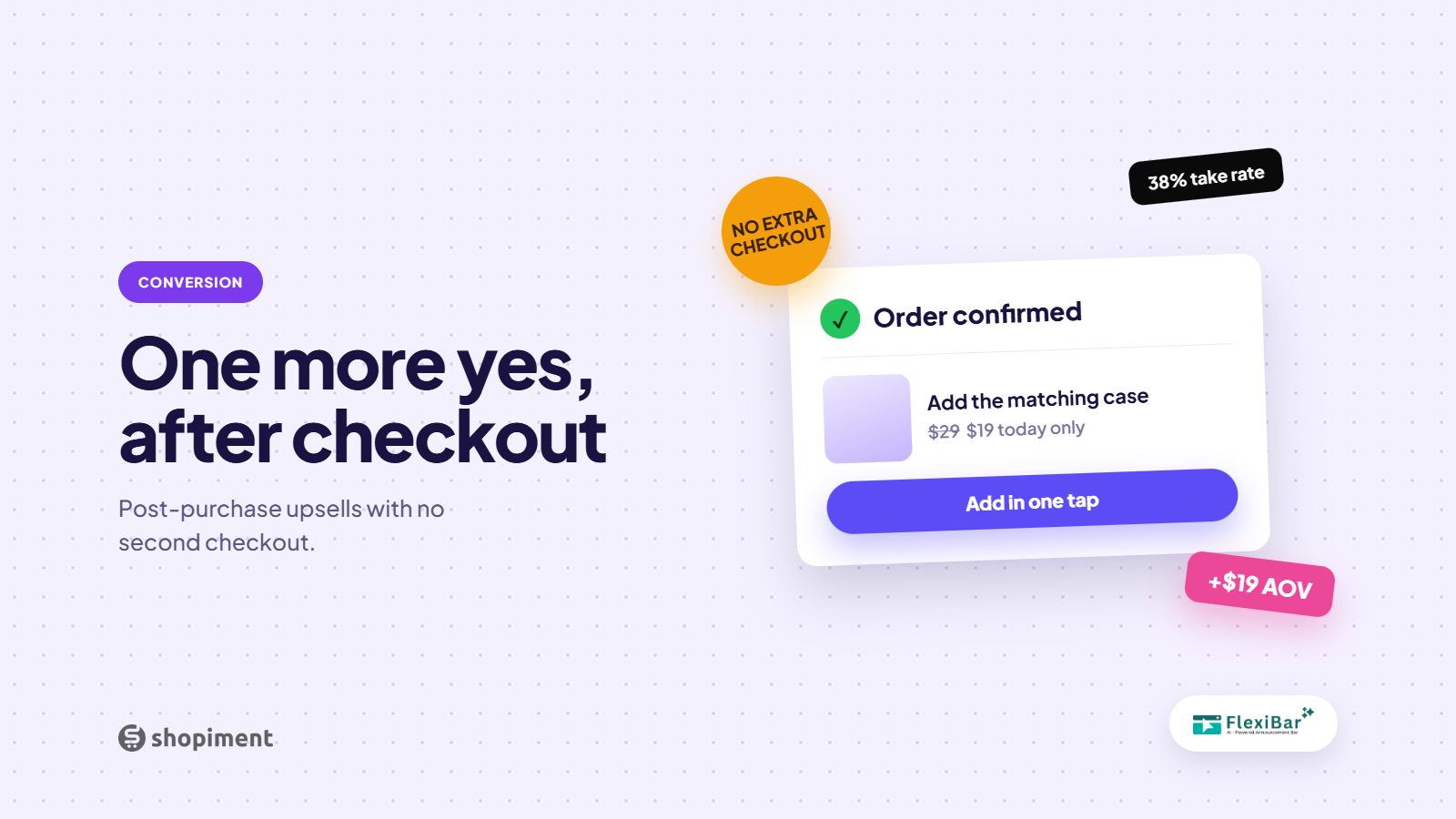
The window right after a customer buys is the highest-trust moment in the whole journey. They have already decided to pay, entered their details, and committed. A well-designed post-purchase upsell taps that moment to add one more item with almost no friction, and it does not risk the original sale.
Why post-purchase upsells convert
The hard part, the decision to buy from you, is done. A one-click add that does not require re-entering payment removes nearly all friction. Because it happens after the order is secured, it cannot cause the shopper to abandon the purchase they already made.
What to offer
- A complementary product that pairs with what they just bought.
- A larger size or a multi-pack of the same item at a small discount.
- A limited-time add-on exclusive to this moment.
- A low-priced impulse item that is easy to say yes to.
Keep it to one clean offer
One relevant offer converts better than a grid of choices. Make it a single, obvious yes or no, show the saving clearly, and never make the customer feel tricked. The goal is a helpful add, not a maze they have to escape to reach the thank-you page.
Do not neglect the thank-you page
Even beyond a formal upsell, the order confirmation is prime real estate. Use it to invite a second purchase, promote your rewards program, or capture a follow. It is a moment of goodwill, so spend it building the next order.
Grow order value at every step
Flexibar runs bundle offers, quantity breaks, and targeted promos across the journey so more orders arrive bigger.
Install Flexibar FreeReady to run bars that actually sell?
Flexibar is free to install. AI copy in 60+ languages, countdown timers, and a free Selling Bar that lets shoppers build a bundle and add it to cart - no credit card required.
Install Flexibar Free →⭐ Free on the Shopify App Store · Instant setup · No credit card