
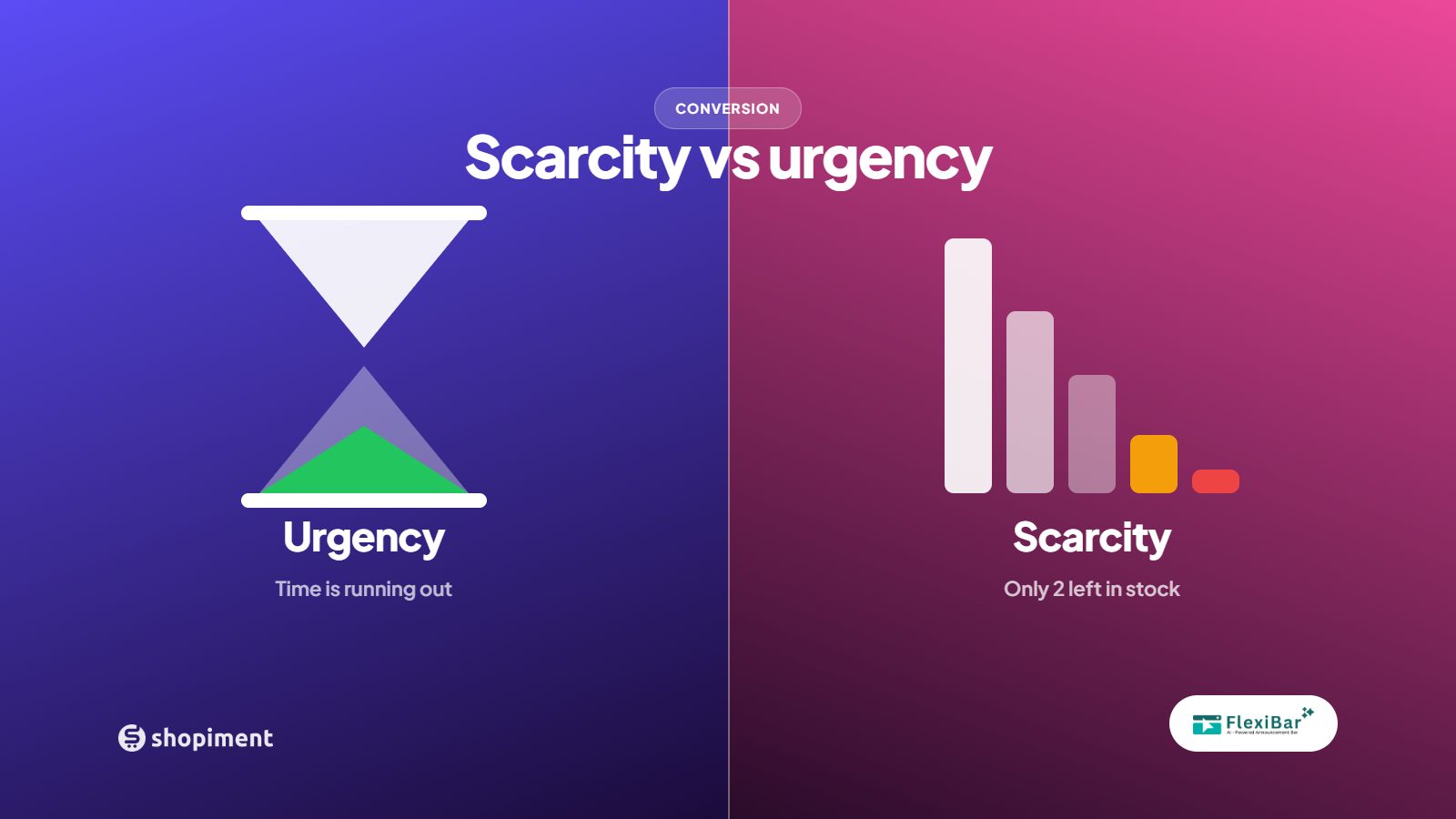
Scarcity and urgency get lumped together, but they push different buttons. Scarcity is about quantity: there is not much of this. Urgency is about time: this offer ends soon. Both are powerful, and both are easy to abuse. The difference between a lift and a long-term loss is whether they are true.
Scarcity done right
Real low-stock messages work because they are believable. Only 4 left is persuasive when there really are 4 left. The moment a shopper suspects the number is invented, every claim on your site loses weight. Tie scarcity to actual inventory, and let it disappear when stock recovers.
Urgency done right
A genuine deadline converts because customers learn your timers are real. If your 48-hour sale actually ends in 48 hours, shoppers build a habit of acting now. If your 24-hour sale has been running for two weeks, they learn the opposite, and your urgency becomes noise.
The tactics that destroy trust
- Countdown timers that reset when the page reloads.
- Only 3 left when the warehouse holds 300.
- A sale that never actually ends.
- Fake live-viewer or recent-purchase popups.
How to combine them without overdoing it
Use one primary lever per moment. A flash sale bar with a real countdown provides the urgency. A low-stock note on the product page provides the scarcity. Stacking five signals on one screen reads as desperation and dilutes them all. Respect the shopper, tell the truth, and let the offer do the work.
Run honest urgency with real deadlines
Flexibar countdown bars use precise end times and disappear automatically when the sale ends, so your urgency is always real.
Install Flexibar FreeReady to run bars that actually sell?
Flexibar is free to install. AI copy in 60+ languages, countdown timers, and a free Selling Bar that lets shoppers build a bundle and add it to cart - no credit card required.
Install Flexibar Free →⭐ Free on the Shopify App Store · Instant setup · No credit card