
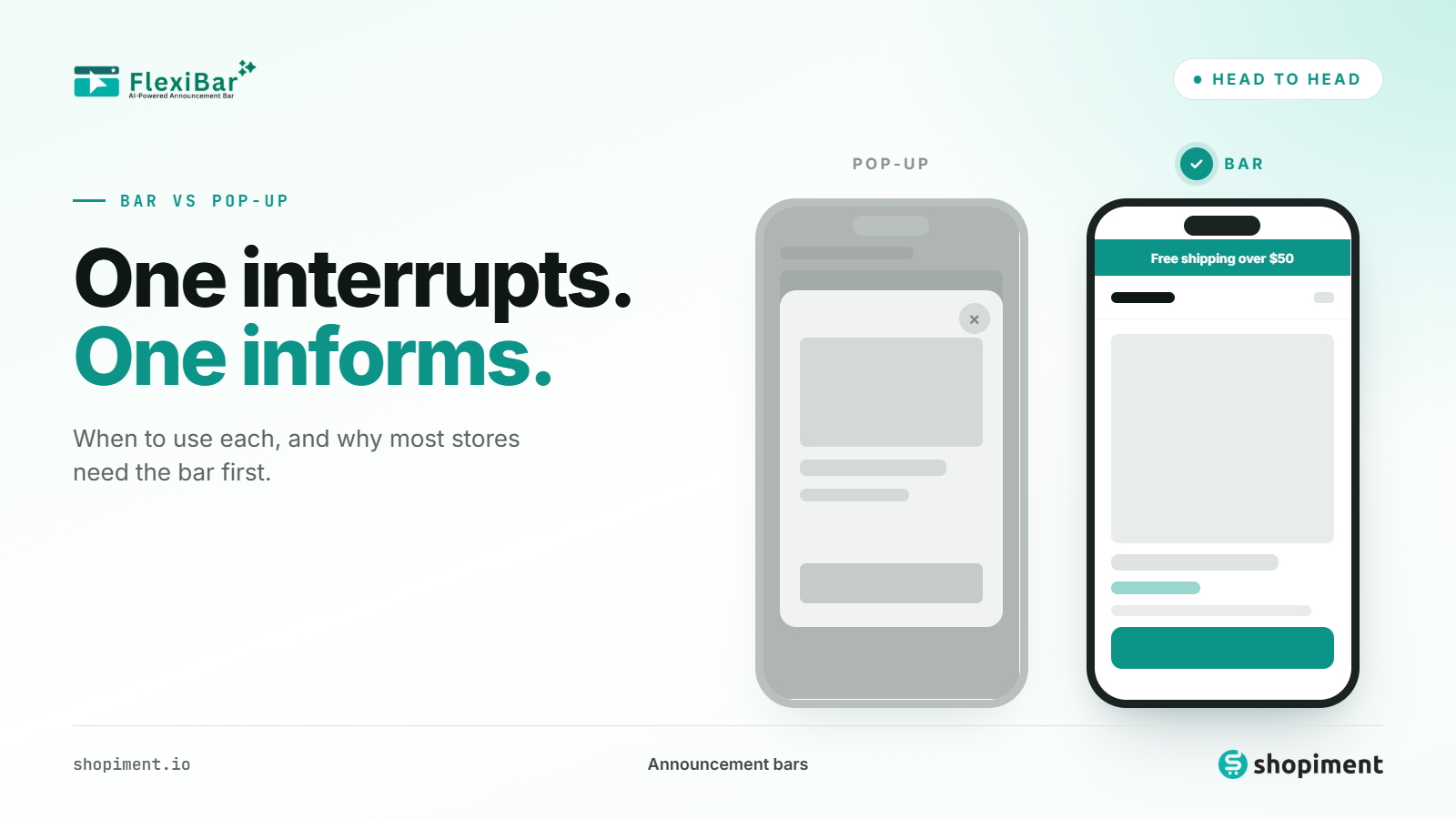
Both an announcement bar and a pop-up exist to get one message in front of a shopper. The difference is how they ask for attention.
A pop-up stops the shopper. It covers the page and waits for a click. An announcement bar does not stop anything. It sits at the top of the page and lets the shopper carry on.
That single difference decides when each one works.
What a pop-up is good at
Pop-ups are good at collecting something. An email address, a phone number, a quiz answer. Because the shopper has to act to close it, a pop-up can trade a small reward, like a first-order discount, for their details.
They are also useful at exit. When a shopper moves to leave the page on desktop, a well-timed pop-up has nothing to interrupt.
What a pop-up is bad at
Pop-ups are bad at information. If the message is "free shipping over $50", a pop-up forces the shopper to read it, close it, and then remember it. Most will close it without reading.
They are also risky on mobile. A pop-up that covers the screen as soon as the page loads can feel like a wall, and Google has warned against intrusive interstitials on mobile for years.
What an announcement bar is good at
An announcement bar is good at anything the shopper needs to know while they browse:
- Free shipping thresholds
- Sale details and end dates
- Discount codes
- Shipping times and cut-off dates
- Returns promises
It does not ask for anything, so it does not annoy anyone. And because it can stay on every page, the message is there when the shopper is deciding, not just when they arrive.
What an announcement bar is bad at
A bar cannot collect an email address as easily as a pop-up, because it has very little space. It is also easy to ignore if the message is weak or never changes. Shoppers learn quickly to skip a bar that always says the same thing.
Side by side
- Tell shoppers about free shipping: announcement bar
- Promote a sale with an end date: announcement bar with a countdown timer
- Share a discount code: announcement bar
- Explain shipping times before holidays: announcement bar
- Grow your email list: pop-up
- Save a leaving desktop visitor: exit-intent pop-up
Can you use both?
Yes, and many stores should. The trick is to stop them saying the same thing.
A simple split that works for most stores:
- The announcement bar carries the offer: free shipping, the sale, the code.
- The pop-up asks for the email, and appears only after the shopper has shown interest, such as a few seconds on a product page or a scroll past halfway.
- Never show the pop-up on the first second of the first page view.
If both are pushing the same discount, cut one. Two messages saying the same thing make the store feel louder, not more persuasive.
Which one first?
If you can only set up one this week, start with the announcement bar. It is less intrusive, it works on every page, and it puts your most important offer in front of every visitor without asking them for anything. Add a pop-up later, once you know what you want to collect and why.
Put your best offer in the announcement bar
Flexibar adds static, scrolling, sticky and countdown timer bars to Shopify in minutes, with no code.
Get Flexibar FreeReady to run bars that actually sell?
Flexibar is free to install. AI copy in 60+ languages, countdown timers, and a free Selling Bar that lets shoppers build a bundle and add it to cart - no credit card required.
Install Flexibar Free →⭐ Free on the Shopify App Store · Instant setup · No credit card