
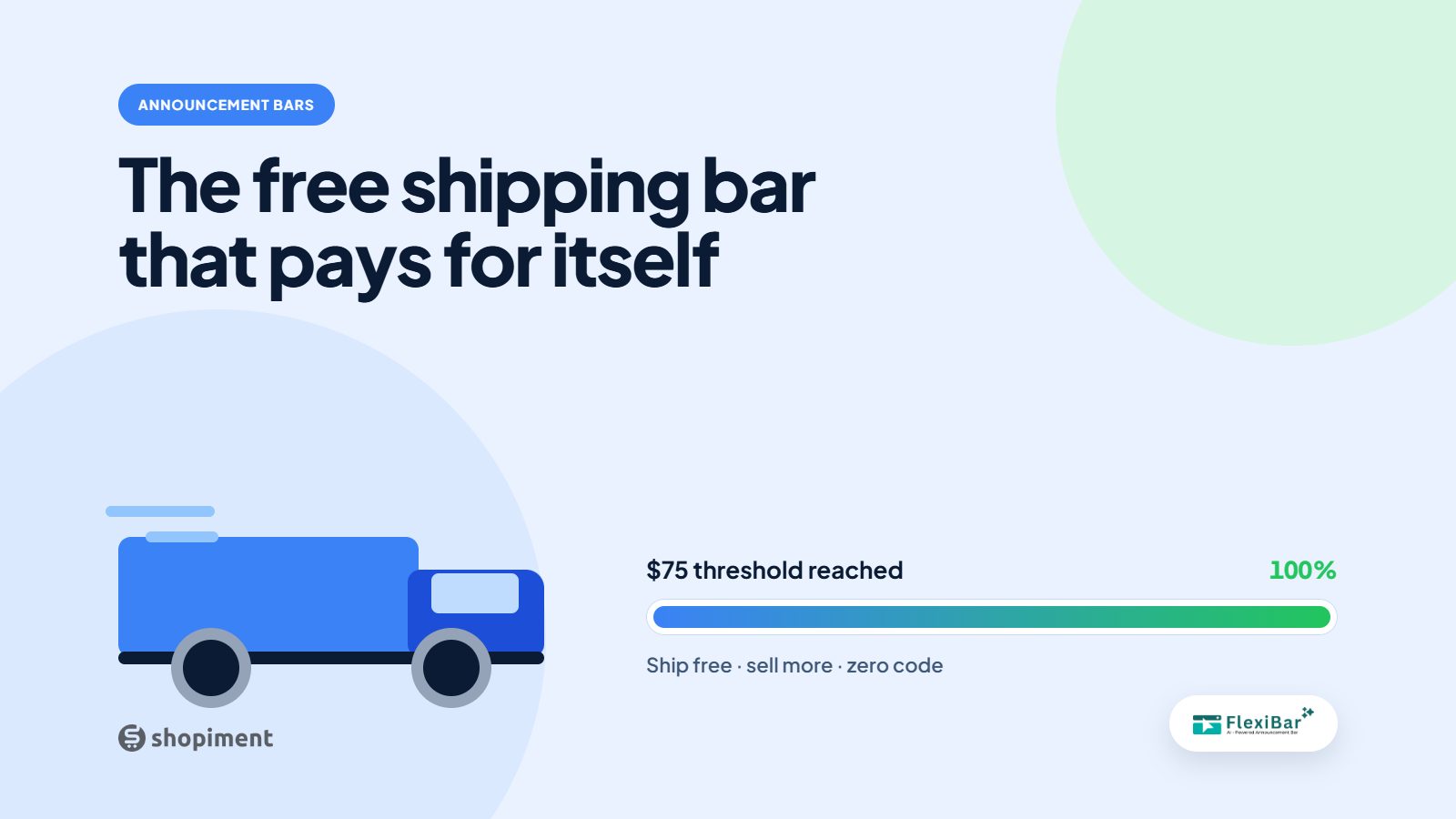
Free shipping is the offer shoppers respond to most, and a free shipping bar turns it into a tool that lifts your average order value instead of just eating your margin. The trick is the threshold and the copy. Get both right and the same bar that promises free shipping also grows the basket.
Set the threshold just above your average order
If your average order is $55, do not set free shipping at $35, because most people already clear it and you gain nothing. Set it around $65 to $75. Now a meaningful share of shoppers are just short and have a concrete reason to add one more item.
Show progress, not just a promise
A static Free shipping over $75 is fine. You are $12 away from free shipping is far better, because it turns a rule into a goal. A progress message that updates as the cart grows gives the shopper a small game to finish.
Copy that pulls its weight
- Lead with the benefit: Free shipping on orders over $75.
- Add the nudge in the cart: You are $12 away from free shipping.
- Close the loop when they qualify: You have unlocked free shipping.
- Keep it short enough to read at a glance on mobile.
Watch your margins
Free shipping is only free to the customer. Set the threshold so the extra item covers the shipping cost, and check your numbers by region if you ship widely. The point is a net gain, not a headline that loses money on every order.
Where to show it
A sticky top bar sitewide catches every visitor, and repeating the progress message in the cart is where it does the most work. Target it by country if your shipping rates differ, so you never promise free shipping you cannot afford in a given market.
Turn shipping into an AOV lever
Flexibar runs free-shipping progress bars with country targeting so you nudge the basket up without hurting margin.
Install Flexibar FreeReady to run bars that actually sell?
Flexibar is free to install. AI copy in 60+ languages, countdown timers, and a free Selling Bar that lets shoppers build a bundle and add it to cart - no credit card required.
Install Flexibar Free →⭐ Free on the Shopify App Store · Instant setup · No credit card