
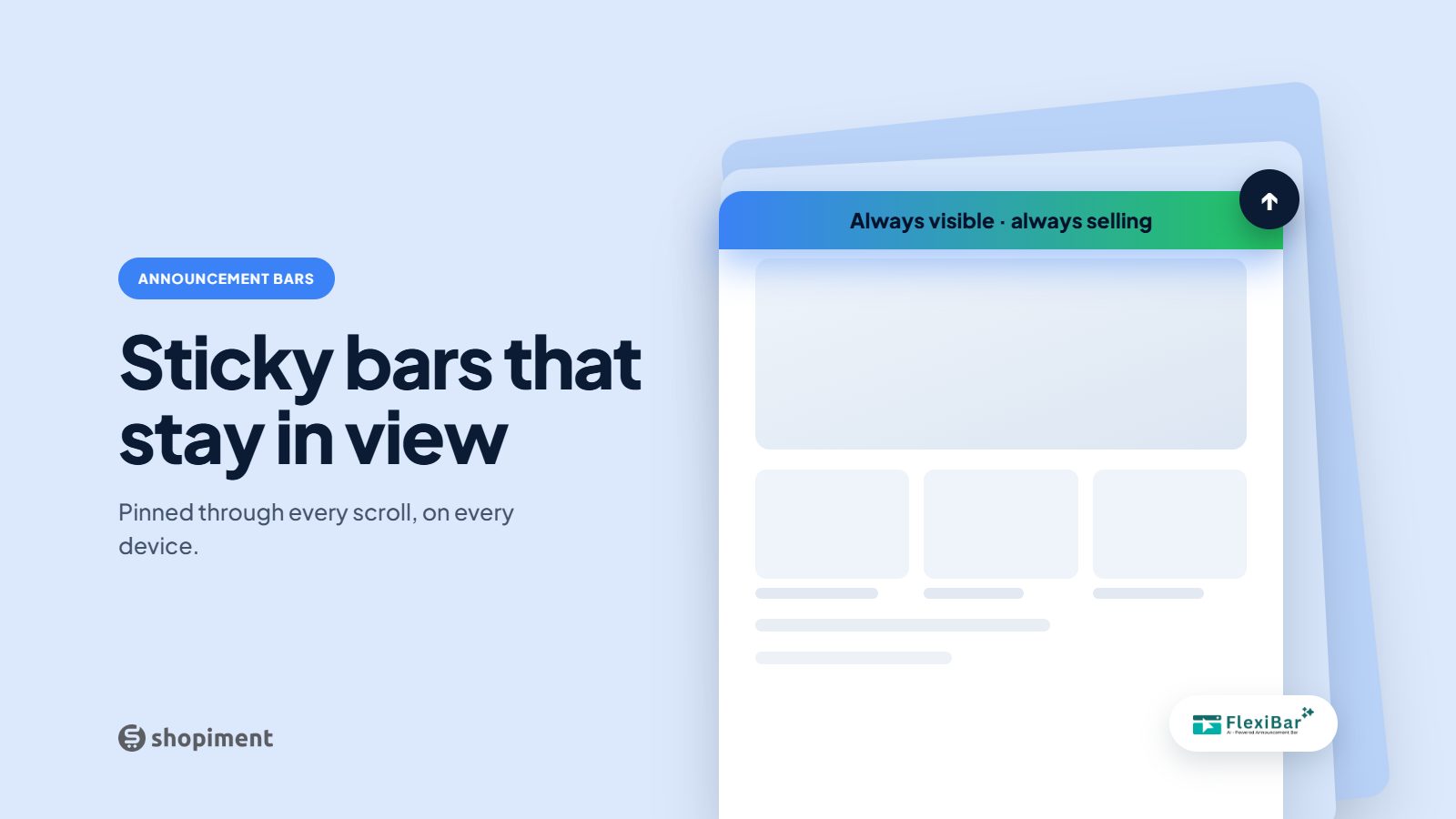
A sticky announcement bar stays pinned to the top or bottom of the screen as the visitor scrolls. It keeps your message in view the whole session, which is exactly why it can either lift conversion or quietly irritate people. The outcome depends on how you use it.
When sticky is the right call
- A live sale with a countdown, where constant visibility drives action.
- A free-shipping progress message that updates as the cart grows.
- A time-sensitive launch or restock you want front of mind.
- A single, high-value message, not a rotating billboard.
When to skip sticky
- Evergreen or low-priority messages that do not need constant attention.
- Long bars that eat scarce vertical space on mobile.
- Multiple stacked sticky elements that crowd the viewport.
- Anything the shopper has already acted on.
Rules that keep a sticky bar useful
- Keep it short and single-purpose so it never feels like clutter.
- Reserve height so the page does not jump when it loads.
- Let shoppers dismiss it, and remember that choice for the session.
- Test top versus bottom. On mobile, a bottom bar sits near the thumb and often performs well.
Measure, do not guess
Watch clicks and conversion for the bar, and keep an eye on bounce. If a sticky bar lifts clicks without hurting engagement, keep it. If it raises exits, make it dismissible, shorten it, or switch it off outside of active promotions.
Sticky, targeted bars without the clutter
Flexibar lets you make any bar sticky, dismissible, and targeted by page and device, so it shows up only where it helps.
Install Flexibar FreeReady to run bars that actually sell?
Flexibar is free to install. AI copy in 60+ languages, countdown timers, and a free Selling Bar that lets shoppers build a bundle and add it to cart - no credit card required.
Install Flexibar Free →⭐ Free on the Shopify App Store · Instant setup · No credit card