
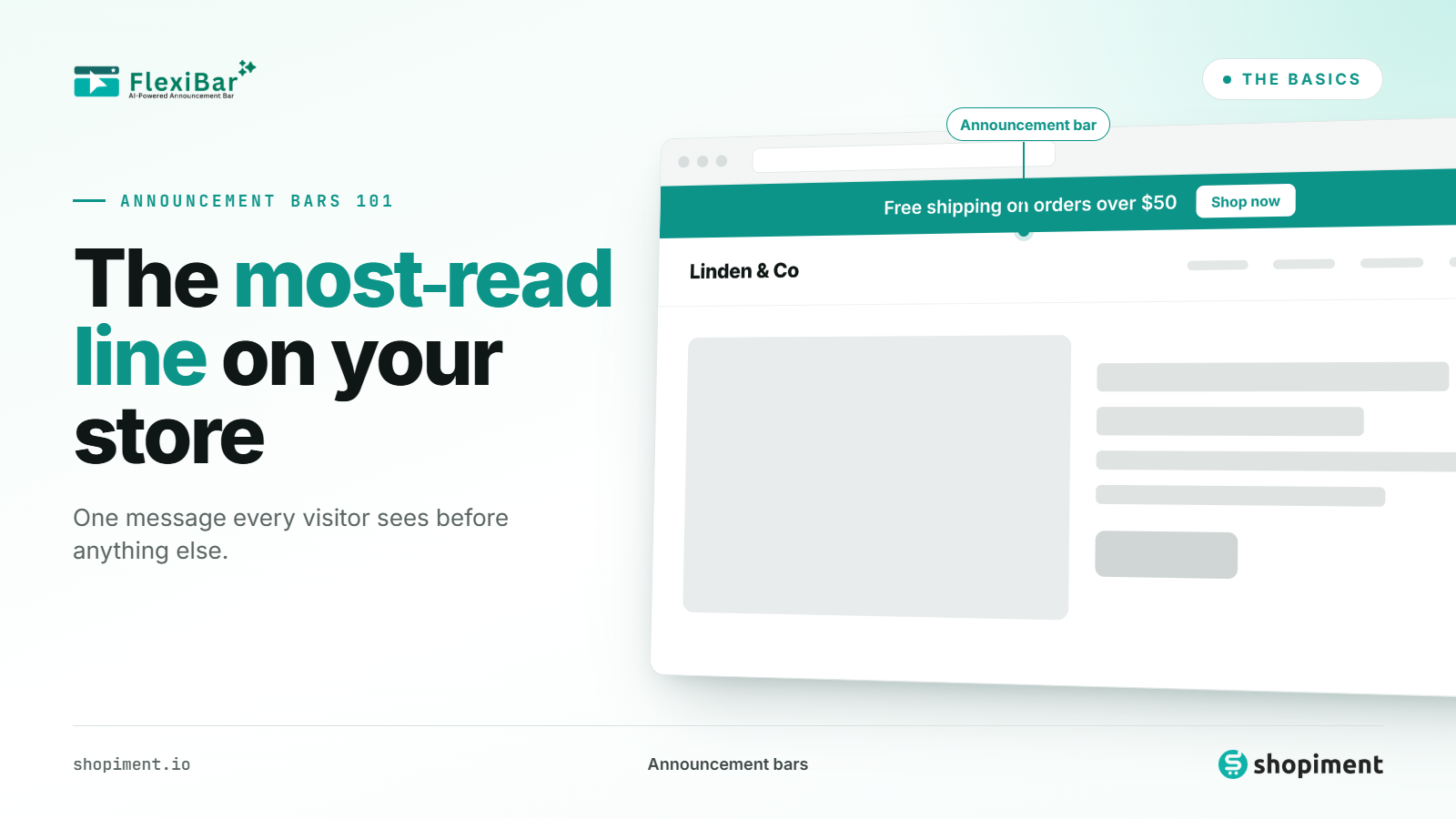
An announcement bar is the thin strip of text that sits above or below your store's header. It is usually one line. It often has a link or a button. And it is the first thing almost every visitor reads, because it sits above everything else on the page.
That position is the whole point. Shoppers skim. They do not read your About page, and many never scroll far enough to see the banner you spent a day designing. The announcement bar is the one message you can be fairly sure they see.
What an announcement bar is for
A good announcement bar answers a question the shopper already has, before they have to ask it. The most common ones are:
- Is shipping free, and above what amount?
- Is there a sale on right now, and when does it end?
- Is there a code I should use?
- Do you ship to my country, and how long will it take?
- What is your returns policy?
If the answer to one of these would change whether someone buys, it belongs in the bar.
What an announcement bar is not for
"Welcome to our store" is not an announcement. Neither is your Instagram handle, unless social proof is your main selling point. Every word in the bar is competing with your product for attention, so it has to earn its place.
A simple test: if a shopper read only the bar and nothing else, would they be more likely to buy? If not, change the message.
The main types of announcement bar
Static bar
One message, always visible. Best for a single strong offer, such as "Free shipping on orders over $50". Simple, fast and easy to read on mobile.
Scrolling bar (marquee)
The text moves sideways across the screen, so you can fit several short messages in one line. Useful when you have two or three things to say, like free shipping, a returns promise and a sale. Keep the speed slow enough to read.
Slider or rotating bar
Messages swap one at a time. Cleaner than a marquee when each message is longer.
Countdown timer bar
A bar with a live clock that counts down to the end of a sale. Use it only when the deadline is real. A timer that resets when the page reloads damages trust quickly.
Sticky bar
Any of the above, fixed to the top or bottom of the screen so it stays visible as the shopper scrolls. Good for offers that matter at the add-to-cart moment.
When to use one
An announcement bar earns its place when you have something time-sensitive or decision-changing to say. Typical moments:
- A sale or seasonal campaign, like Black Friday
- A free shipping threshold, especially if you just changed it
- A product launch or restock
- Shipping cut-off dates before holidays
- A policy change shoppers need to know about
If none of these apply, a quiet bar with your strongest standing promise, such as free returns, is still better than an empty slot.
How to add an announcement bar to Shopify
There are two ways.
The first is your theme. Many Shopify themes, including Dawn, include a basic announcement bar section. Go to Online Store, then Themes, then Customize, and look for the announcement bar in the header area. This works for a simple static message.
The second is an app. Apps add the things themes usually do not: countdown timers, scrolling and rotating messages, scheduling, targeting by page or country, and click tracking. Most install as an app embed, so you switch them on in the theme editor without touching any code.
Five quick rules for a bar that works
- Keep it to one idea per message.
- Put the number first: "$50 for free shipping" reads faster than "Free shipping when you spend over $50".
- Make the link or button do one thing.
- Check it on a phone. If the text wraps to three lines, it is too long.
- Change it when the offer changes. A bar that still says "Summer sale" in November tells shoppers nobody is minding the store.
The short version
An announcement bar is the most-read line on your store. Use it for the one message that would change a buying decision, keep it short, and update it every time your offer changes.
Try Flexibar, the announcement bar app for Shopify
Static, scrolling, sticky and countdown timer bars, with AI-written copy translated into 60+ languages. Free plan available.
Get Flexibar FreeReady to run bars that actually sell?
Flexibar is free to install. AI copy in 60+ languages, countdown timers, and a free Selling Bar that lets shoppers build a bundle and add it to cart - no credit card required.
Install Flexibar Free →⭐ Free on the Shopify App Store · Instant setup · No credit card